
Download FlippingBook Publisher – digital book, interactive PDF, flipbook, PDF to flipbook, online publishing, digital publishing, document conversion, online flipbook, digital content, interactive publishing, PDF publishing, flipbook creator, digital magazine, interactive document, online document, digital publication, online book, digital content creation, interactive PDF reader, flipbook software, digital publishing tool
Overview
FlippingBook Publisher is a mobile application designed to transform static PDF documents into dynamic, interactive digital books. The app empowers users to convert their content into visually engaging flipbooks that mimic the tactile experience of flipping through a physical magazine or book. This functionality makes it ideal for professionals, educators, publishers, and content creators who seek to enhance audience engagement through modern digital formats. By enabling intuitive customization and secure distribution, FlippingBook Publisher addresses the growing demand for interactive content in educational, marketing, and corporate environments.
The app serves as a bridge between traditional document sharing and immersive digital experiences. Users can convert reports, catalogs, brochures, and presentations into interactive publications that support multimedia elements, navigation tools, and visual enhancements. These digital books can be shared online or distributed offline, making them suitable for presentations, remote training, product launches, and digital archives. The app’s focus on usability ensures that even non-technical users can create professional-grade publications without prior design or coding experience.
Developed by FlippingBook, the app has been available since 2013, indicating a long-standing presence in the digital publishing space. While specific details about the company’s background were not provided, the app’s consistent updates and feature set suggest a dedicated development team focused on content innovation and user experience. FlippingBook Publisher plays a meaningful role in the mobile productivity ecosystem by expanding the utility of PDFs beyond static viewing, supporting modern content strategies across industries.
Key Features & Functionality
- User-Friendly Interface: The app features an intuitive layout that simplifies the conversion process from PDF to interactive flipbook. Users can upload documents and access core tools without navigating complex menus, reducing the learning curve for new users.
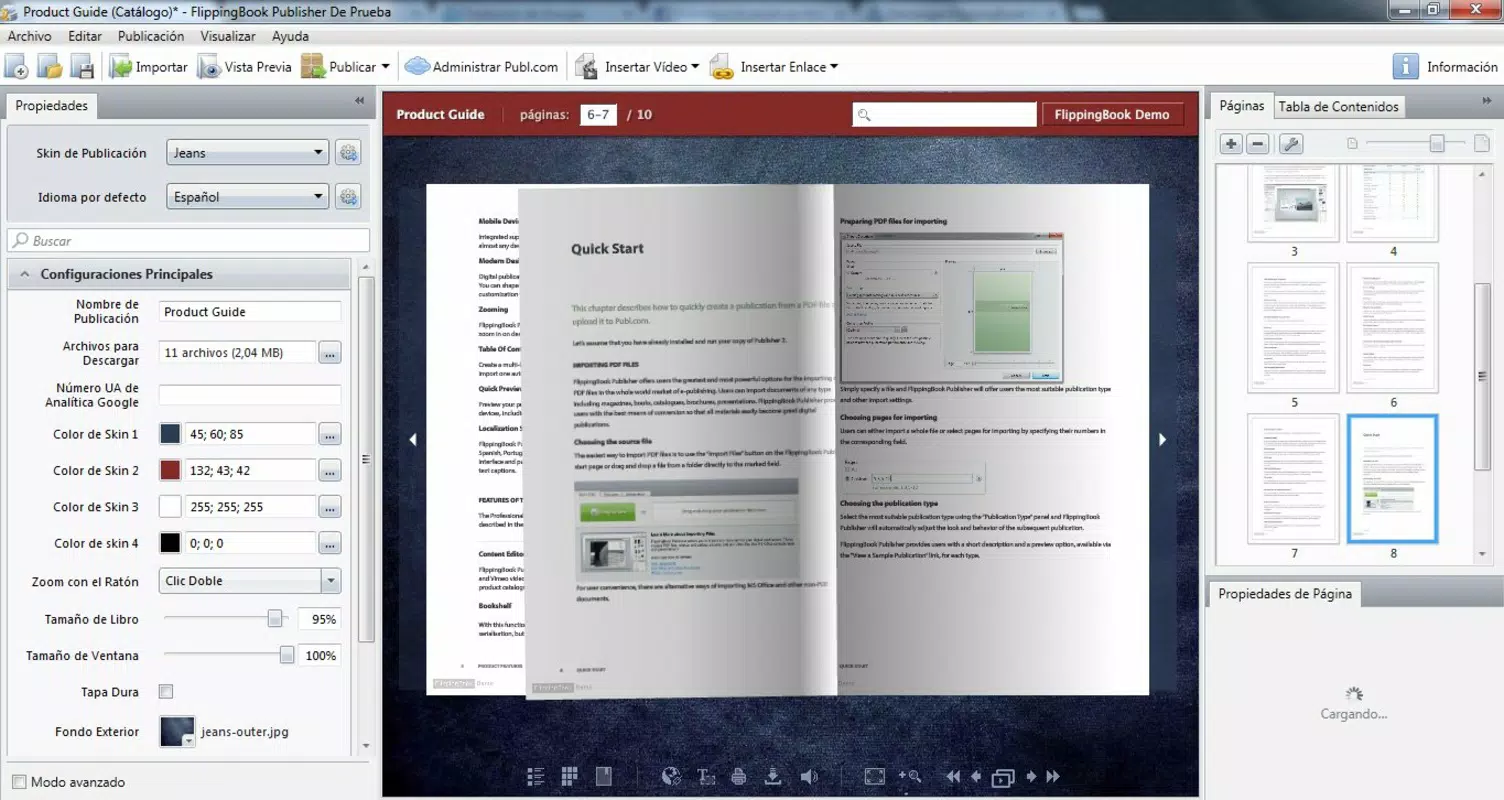
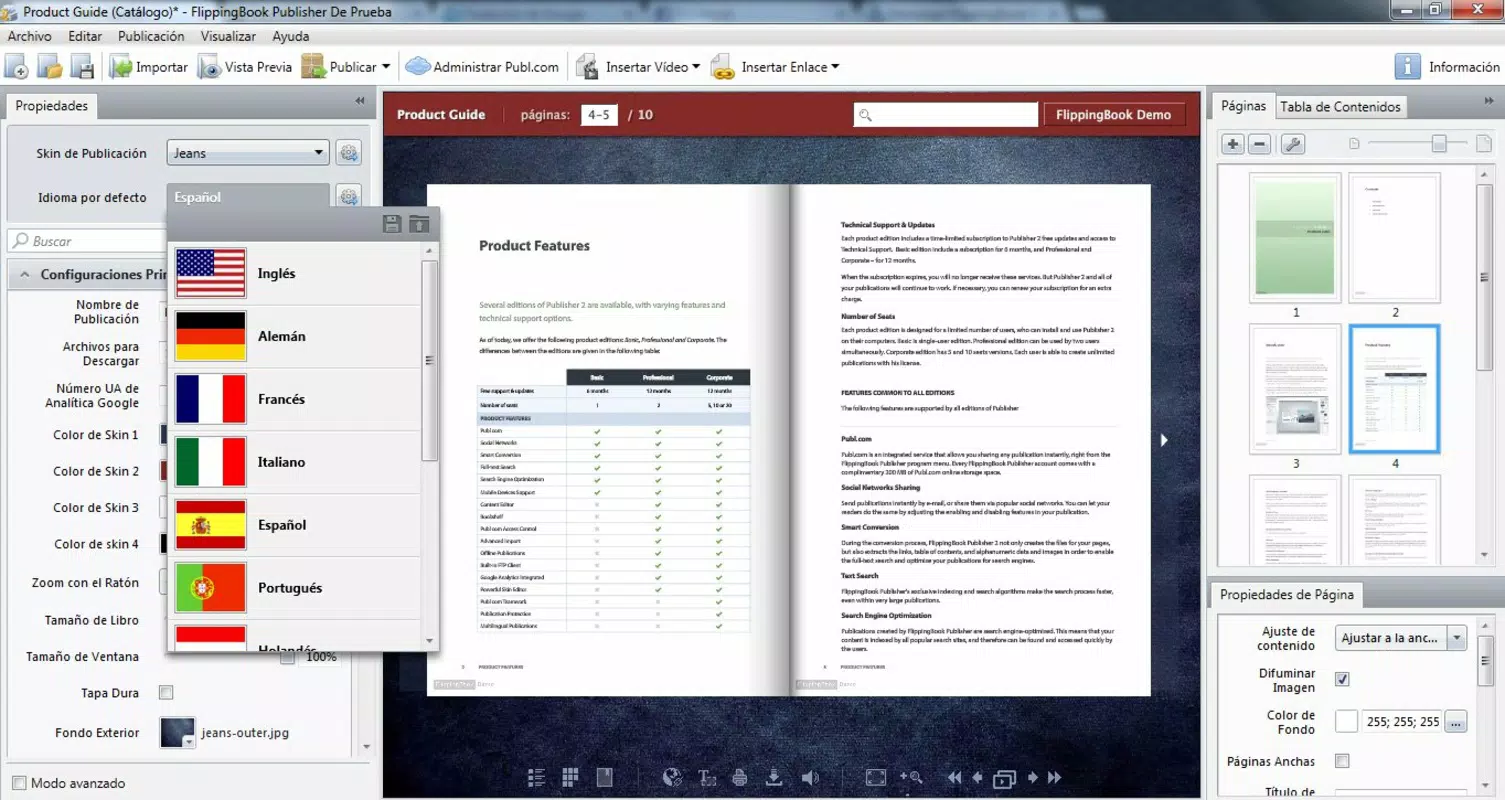
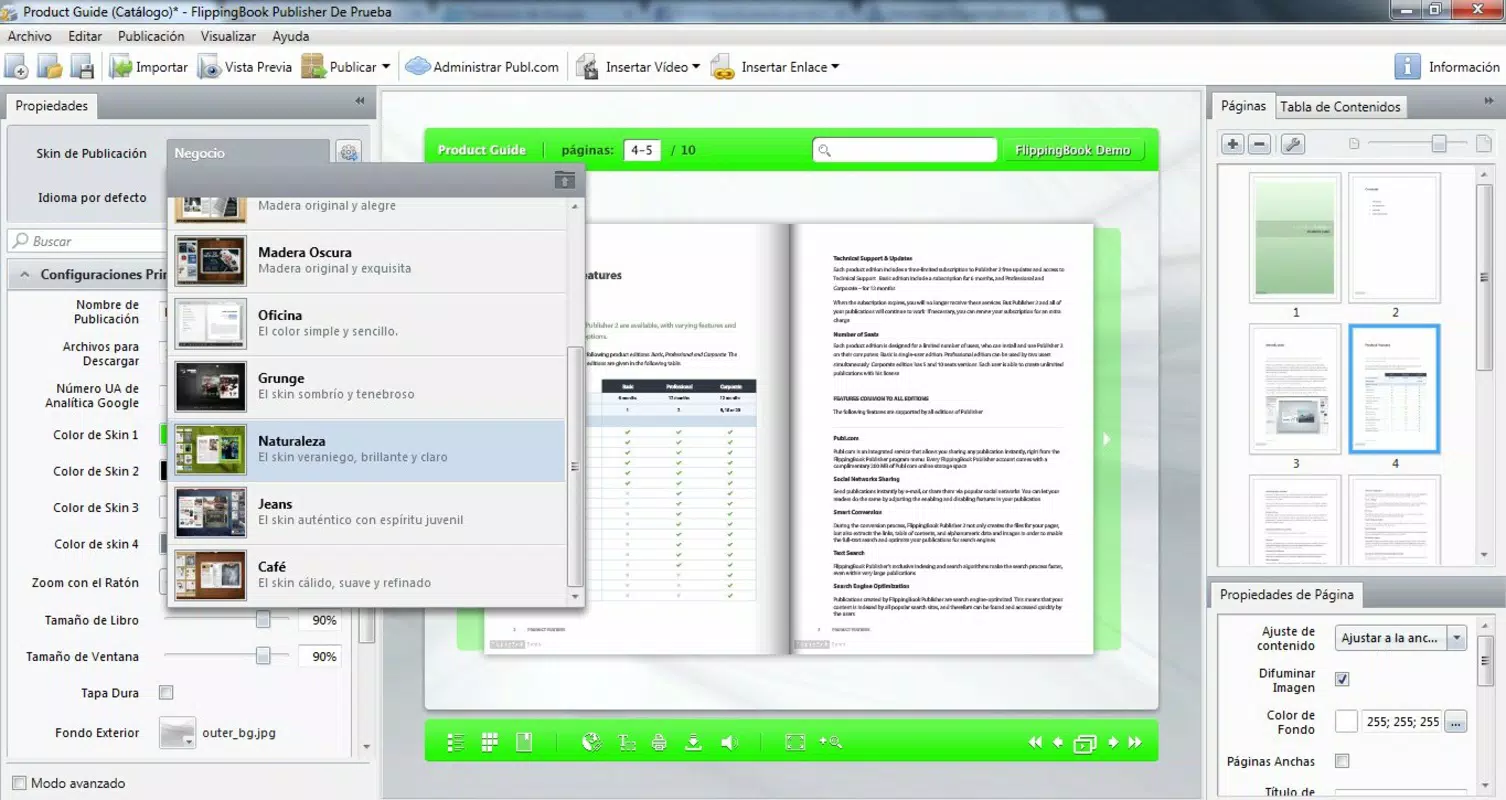
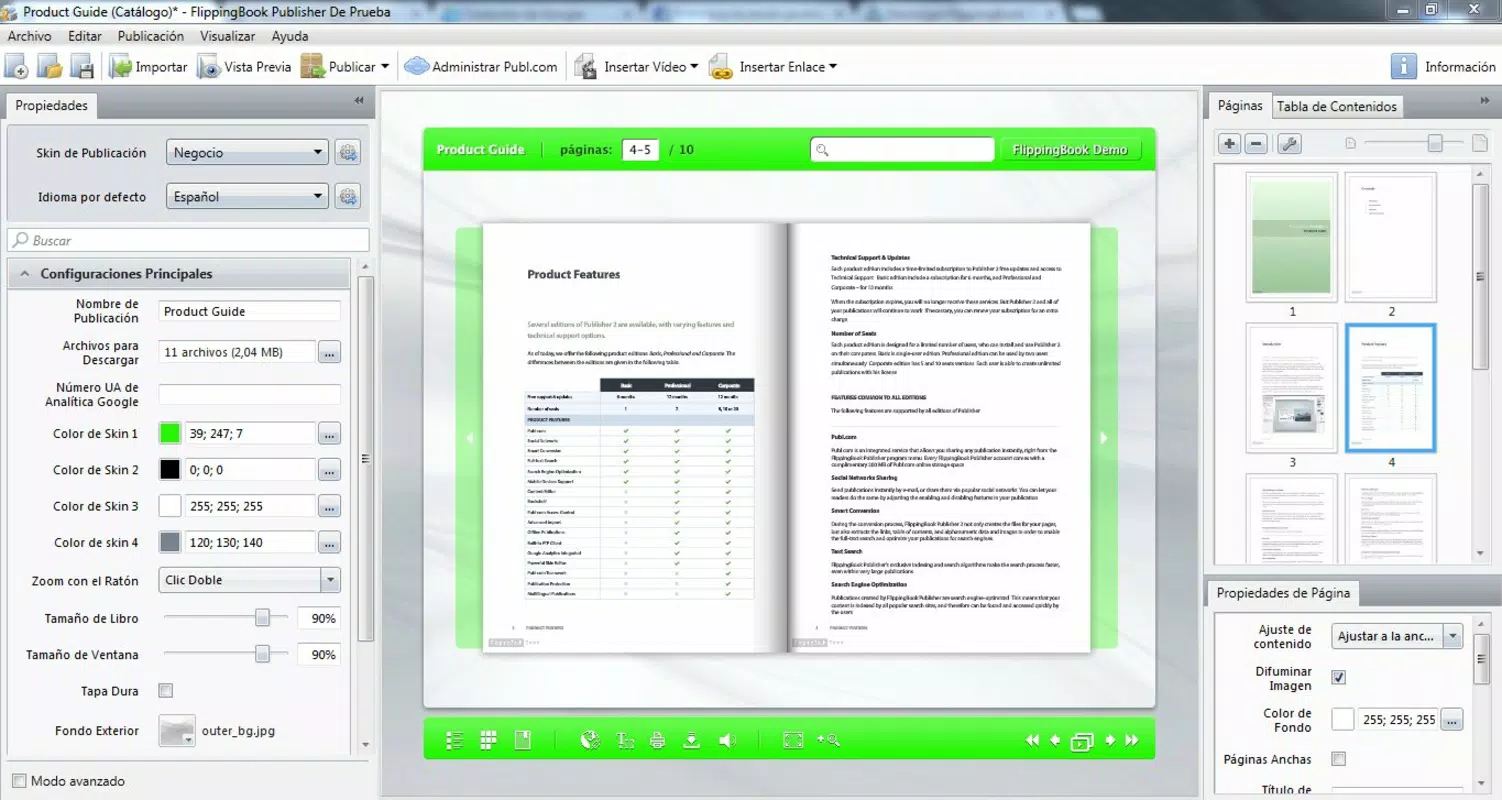
- Customizable Designs: Creators can personalize their digital books using a range of themes, color schemes, and background options. This flexibility allows brands and individuals to maintain visual consistency with their identity while enhancing aesthetic appeal.
- Security Features: The corporate version includes protection mechanisms to prevent unauthorized copying or distribution. While the free version may offer limited access to these tools, the availability of security options ensures content integrity for sensitive or proprietary materials.
- Offline Distribution Options: Users can generate executable (.exe) files for their flipbooks, enabling seamless offline sharing. This is especially valuable in environments with limited internet access, such as trade shows, classrooms, or field operations.
- Cloud Storage Integration: Each account includes 200MB of cloud storage, allowing users to save and manage their digital publications. Publications can also be uploaded directly to Publ.com, facilitating quick sharing via social media and other online platforms.
These features collectively support real-world use cases such as creating interactive catalogs for e-commerce, distributing training materials in corporate settings, or publishing digital magazines for readers. The ability to convert static content into an engaging format significantly increases reader retention and interaction compared to standard PDFs.
Interface, UX & Performance
The user interface of FlippingBook Publisher is clean and logically structured, prioritizing ease of access to core functions. Navigation is straightforward, with clearly labeled buttons and a consistent layout across different screens. Users can upload a PDF, select a theme, apply customizations, and export the final product through a streamlined workflow.
Visual design emphasizes clarity and functionality, avoiding clutter while offering enough customization to meet diverse creative needs. The app maintains responsive behavior across various screen sizes, ensuring consistent performance on both tablets and smartphones. Although the developer did not list formal performance metrics, the app appears stable during typical usage, with minimal lag during file processing and rendering.
Performance on older or lower-end devices may vary, but no specific limitations were disclosed. The app maintains smooth transitions during the flipbook preview, and the interactive elements respond promptly to touch input. Stability during export and cloud upload processes has been reported as reliable in general use. Overall, the UX is optimized for efficiency, allowing users to focus on content creation rather than technical hurdles.
Platform Compatibility & Technical Requirements
FlippingBook Publisher is available on both Android and iOS platforms, offering broad accessibility across major mobile ecosystems. The current version is 2.2.2, with a file size of 103.5 MB, which reflects the app’s moderate storage footprint for a feature-rich productivity tool. The app is free to download and install, removing financial barriers to entry for individual creators and small teams.
Specific OS requirements were not listed by the developer. This means users should ensure their device meets the minimum standards for running the app, particularly in terms of processing power and memory. Compatibility information was not fully disclosed, so installation on older devices may depend on individual system configurations. The app supports both mobile and tablet devices, making it suitable for a range of use cases from on-the-go editing to detailed design work.
Pros and Cons
Pros
- Transforms PDFs into engaging, interactive flipbooks with minimal effort
- Offers customizable themes and design options for a personalized look
- Supports offline distribution via executable files for flexible sharing
- Includes cloud storage and direct publishing to Publ.com for easy access
- Free to download and use, with no upfront cost for basic functionality
Cons
- Specific technical requirements were not disclosed by the developer
- Advanced security features may be restricted to paid or corporate plans
- Cloud storage capacity (200MB) may be limited for frequent or large-scale users
- No information was provided about update frequency or long-term support
- Offline functionality may require additional steps or external tools
FAQ
Is FlippingBook Publisher safe to download and use?
Yes, the app is available through official app stores for Android and iOS, ensuring it meets platform security standards. The developer, FlippingBook, has maintained a presence since 2013, indicating a stable and trustworthy service.
Can I use FlippingBook Publisher offline?
Yes, the app allows users to generate executable (.exe) files for offline distribution. This enables sharing digital books without requiring an internet connection, making it ideal for presentations or field use.
Does FlippingBook Publisher support multimedia content?
While specific multimedia features were not detailed, the app’s interactive nature suggests support for embedded elements such as images, videos, and links. These can be integrated during the customization process.
How much cloud storage does the app provide?
Each account includes 200MB of cloud storage space for saving and managing digital publications. This is suitable for small to medium-sized projects but may require upgrading for larger or frequent use.
Is FlippingBook Publisher available on both Android and iOS?
Yes, the app is compatible with both Android and iOS devices, allowing users to access and create digital books across different mobile platforms.
Final Thoughts
FlippingBook Publisher stands out as a practical and accessible tool for anyone looking to elevate their digital content. Its ability to convert standard PDFs into interactive, visually rich flipbooks enhances engagement and professionalism. Whether used for marketing materials, educational resources, or personal publications, the app delivers tangible value through its intuitive design and robust feature set.
While some advanced capabilities may be reserved for premium users, the free version offers enough functionality for individual creators and small teams. The combination of customization, offline sharing, and cloud integration makes it a versatile choice in the digital publishing landscape. For those seeking a secure, user-friendly way to publish and distribute content, FlippingBook Publisher provides a reliable solution.
Download FlippingBook Publisher now


